
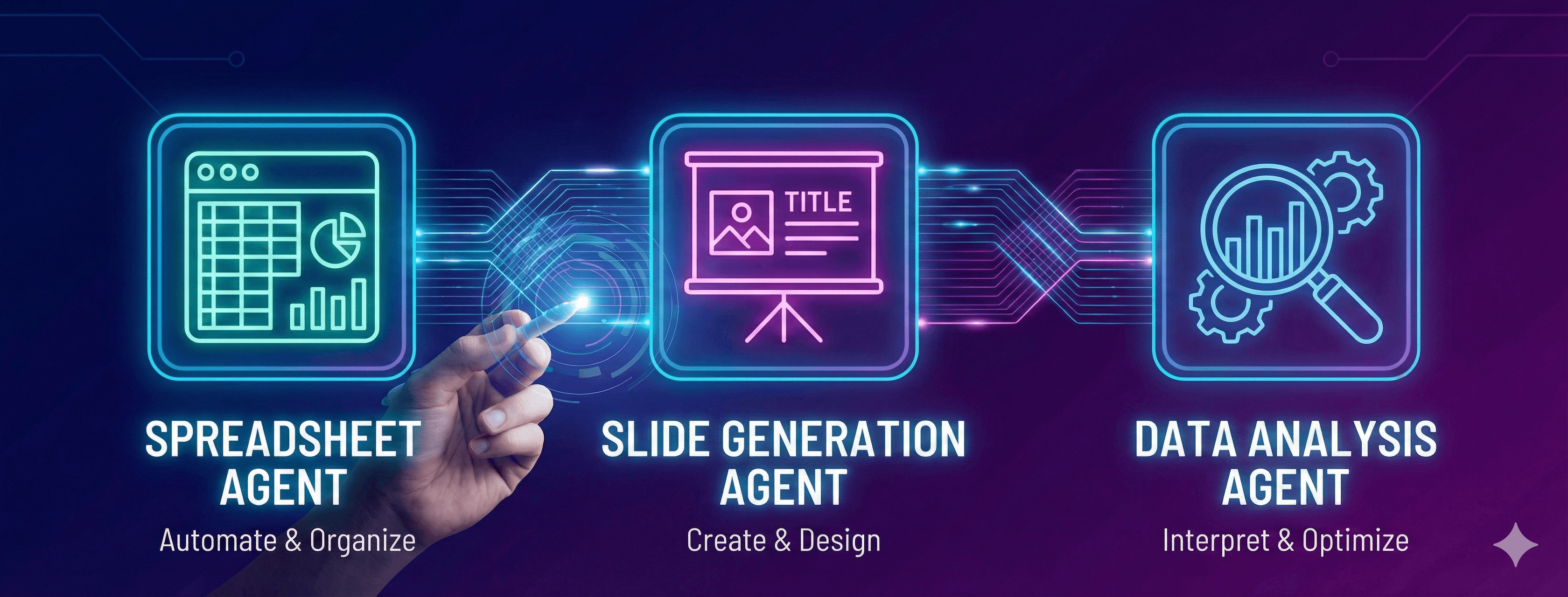
The right request makes all the difference. Winning Strategy gives you three specialized agents—Spreadsheet, Slide Generation, and Data Analysis—each capable of incredible work. But it all starts with how you communicate what you need.
This guide shows you how to effectively work with each agent, covering create operations, updates, web search integration, and external connections.
Understanding Request Structure
The best requests are clear, specific, and actionable. You don't need technical expertise—just describe what you want in plain language.
Three elements of effective requests:
- What you want (the output)
- What you're working with (the data or files)
- How you want it (the format or approach)
Let's see how this works across all three agents.
Spreadsheet Agent: Excel and Data Work
Creating New Spreadsheets
- Financial models: Describe the type of model you need (DCF, TAM/SAM/SOM, revenue projections) and the time period.
- Project trackers: Request trackers with Gantt charts, milestones, dependencies, and resource allocation.
- Data analysis: Ask for data consolidation from multiple sources, segmentation analysis, or trend identification.
- Dashboards: Request master dashboards combining data from different sheets or files.
Updating Existing Spreadsheets
- Add new sheets: Describe what new sheet you need and how it should relate to existing data.
- Modify formulas: Request formula updates while preserving structure and references.
- Refresh data: Ask to update specific data ranges or entire datasets without breaking calculations.
- Extend analysis: Add new metrics, time periods, or dimensions to existing analysis.
Using Web Search
- Market data: Request latest market sizes, growth rates, or industry statistics to incorporate into your models.
- Benchmark rates: Search for industry averages, conversion rates, or performance metrics for comparison.
- Competitive data: Find competitor information, pricing, or market positioning to add to analysis.
Working Across Multiple Sheets
- Cross-sheet references: Request formulas that pull data from multiple sheets.
- Consolidation: Ask to combine information from different sheets into summary views.
- Maintain relationships: Ensure dependencies and data relationships stay intact across sheet updates.
Slide Generation Agent: Professional Presentations
Creating New Presentations
- Pitch decks: Describe your presentation goal (investor pitch, sales deck, executive briefing) and key messages.
- Analysis presentations: Request slides showing data insights, trends, and recommendations.
- Status reports: Ask for project updates, milestone tracking, or performance reviews.
- Strategy presentations: Request competitive analysis, market positioning, or strategic planning decks.
Updating Existing Presentations
- Add new slides: Describe what slides to add and where they should fit in the flow.
- Refresh charts: Request chart updates with new data while maintaining design consistency.
- Update content: Ask to modify text, statistics, or messaging on specific slides.
- Rebrand: Request design updates to match new brand guidelines or visual standards.
Using Web Search
- Current statistics: Find latest data, market trends, or industry reports to include in presentations.
- Competitor information: Search for competitive positioning, product features, or market strategies.
- Validate claims: Verify statistics, quotes, or data points with authoritative sources.
Custom Visuals with Nano Banana 3.0
- Branded images: Request custom visuals matching your brand colors, style, and messaging.
- Concept illustrations: Ask for visual representations of strategies, processes, or frameworks.
- Data visualizations: Request charts and infographics tailored to your specific data story.
Working Across Multiple Slides
- Design consistency: Request uniform formatting, colors, and fonts across all slides.
- Story flow: Ask for logical progression and narrative structure throughout the deck.
- Data relationships: Maintain consistent data presentation and references across multiple slides.
Data Analysis Agent: Python and Advanced Analytics
Creating New Analysis
- Generate code: Describe the analysis you need and request Python scripts with clear documentation.
- Build models: Request specific model types (regression, classification, clustering, forecasting) with your data.
- Create visualizations: Ask for interactive charts, dashboards, or exploratory data analysis.
- Develop pipelines: Request end-to-end workflows from data loading through analysis to reporting.
Updating Existing Analysis
- Extend analysis: Add new sections, models, or visualizations to existing notebooks.
- Modify parameters: Change settings like cluster numbers, confidence levels, or validation methods.
- Refine methodology: Request different algorithms, approaches, or analytical techniques.
- Update data sources: Change input files, date ranges, or data filters.
Using Web Search
- Find current data: Request latest statistics, rates, or indicators to incorporate into analysis.
- Get benchmarks: Search for industry standards or typical ranges for comparison.
- Validate results: Find external sources to verify your findings or assumptions.
- Enrich analysis: Add context from current research, trends, or market conditions.
Connecting to External Sources
- SQL databases: Specify database type (MySQL, PostgreSQL, SQLite) and tables to query.
- NoSQL databases: Connect to MongoDB collections with specific query criteria.
- Cloud storage: Access files from Google Drive or OneDrive by name or location.
- Business systems:
- HubSpot: Request CRM data, marketing metrics, lead information, or campaign performance
- Salesforce: Pull sales pipeline, opportunity data, customer information, or forecasts
- Supabase: Access real-time data from your Postgres tables
- REST APIs: Provide endpoint details and authentication for custom API connections.
Combined Operations
- Connect and analyze: Request database connection, data extraction, analysis, and visualization in one workflow.
- Multi-source analysis: Combine data from different systems, merge on common keys, analyze relationships.
- Research-enhanced analysis: Analyze your data, search for external benchmarks, create comparison reports.
Effective Request Strategies
Be Specific About What You Want
Clearly describe the deliverable—a 5-year financial model, a 20-slide pitch deck, a Jupyter notebook with forecasts.
Mention Your Data Sources
Reference uploaded files, connected databases, or systems to pull from—"using the uploaded Excel file" or "connecting to my HubSpot account."
Specify Output Format
State how you want results—Excel workbook with multiple sheets, PowerPoint with branded visuals, Python notebook with markdown sections.
Include Success Criteria
Define what good looks like—specific metrics to track, accuracy thresholds, design standards, or validation requirements.
Request Explanations
Ask for context—formulas with comments, slides with speaker notes, code with documentation explaining logic.
Common Request Patterns
Pattern 1: Create from Description
Describe what you need built from scratch—the agent handles structure, formatting, and content generation.
Pattern 2: Update Existing Work
Reference current files and specify modifications—the agent maintains structure while making targeted changes.
Pattern 3: Connect and Build
Specify data sources (databases, business systems, cloud storage), then describe analysis or deliverables to create.
Pattern 4: Research and Incorporate
Request web searches for specific information, then ask the agent to integrate findings into your work.
Pattern 5: Multi-Step Workflow
Combine operations—connect to data sources, perform analysis, search for benchmarks, create visualizations, generate reports.
Tips for Better Results
- Start broad, then refine: Begin with general requests, review outputs, then ask for specific adjustments.
- Reference existing work: When updating, mention what's already there and what needs to change.
- Specify preferences: Mention tool preferences (visualization libraries, chart types, formatting styles).
- Include validation: Request quality checks, data verification, or accuracy validation.
- Request documentation: Ask for explanations, comments, or speaker notes alongside your deliverables.
- Iterate freely: Nothing is one-and-done—keep refining until it's exactly right.
The Bottom Line
Effective requests are conversational, specific, and goal-oriented. You don't need to be an Excel expert, design professional, or data scientist. Just describe what you want to accomplish, mention your sources, and specify your format.
Key principles to remember:
- Create new work by describing outputs and formats
- Update existing work with specific modifications
- Connect to external data sources by naming systems
- Search the web for current information and validation
- Combine operations for comprehensive workflows
- Choose the right mode and model for your task
Start simple. Review results. Iterate until perfect. That's how you master all three agents.