
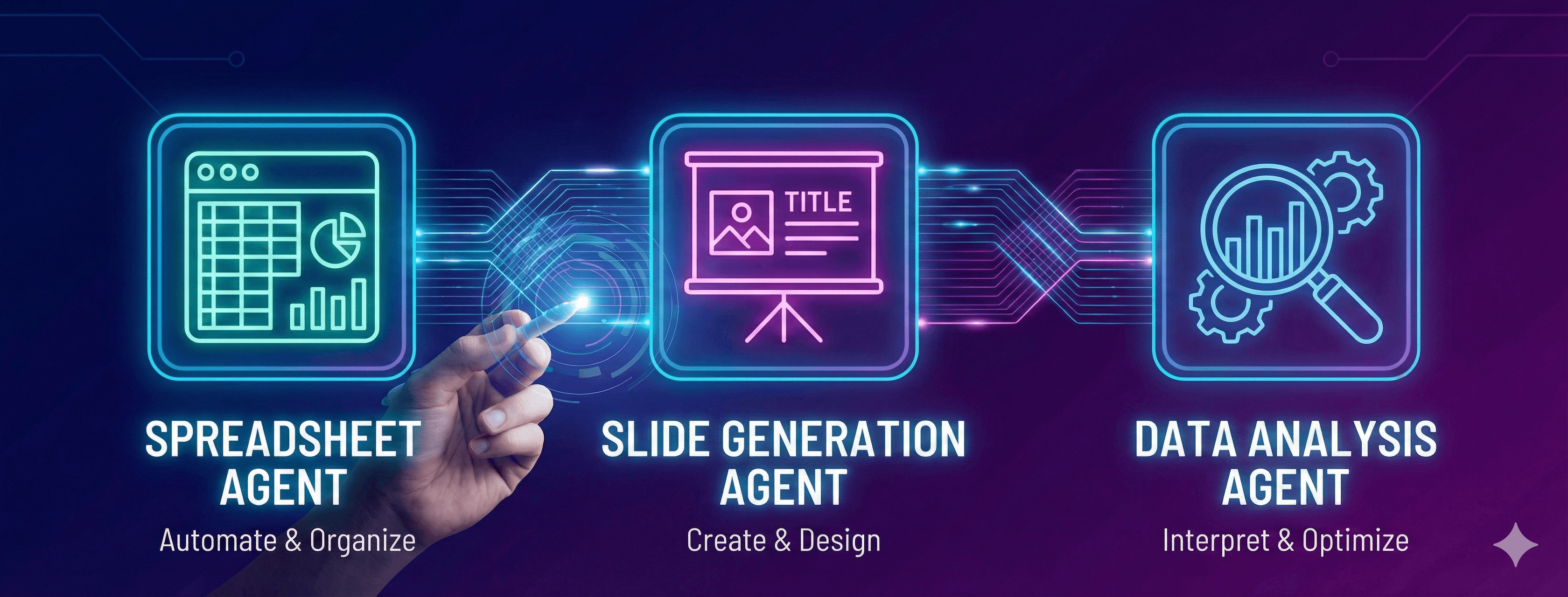
Imagine having three expert assistants at your fingertips—one who builds flawless financial models, another who creates stunning presentations, and a third who writes production-ready Python code. That's exactly what Winning Strategy gives you.
But here's what makes it different: you're in control. Choose which AI model powers each task. Import files however you want. Update your work as many times as needed. Connect directly to your databases and business systems.
Let's walk through how it all works.
Getting Your Files In
Whether you're working with spreadsheets, presentations, or data analysis, getting your files into Winning Strategy is straightforward. Drag and drop them into the workspace, or browse and select from your computer. PDFs, Excel files, PowerPoint presentations, Word documents, CSVs, images—they all work.
Prefer a conversational approach? Use the co-pilot. Just chat naturally about what you need, attach your files in the conversation, and let the AI understand your context. It's like having a colleague who never gets tired of iterating with you.
Choosing Your AI Model
Here's something most AI tools won't let you do: pick which AI model handles your task.
Winning Strategy supports:
- Claude (Anthropic)
- Gemini (Google)
- OpenAI (GPT-4/GPT-4o)
- DeepSeek
- Grok (xAI)
Why does this matter? Because different models excel at different things. Claude handles complex financial calculations brilliantly. Gemini shines when you need extensive citations. OpenAI brings creative versatility. DeepSeek offers cost-efficient processing for large-scale work. Grok accesses real-time information.
You're not locked into one approach. Switch models based on what your specific task demands.
The Spreadsheet Agent
Your Excel expert. Financial models, project trackers, market analysis, data consolidation—anything that belongs in a spreadsheet, this agent handles it.
Working with existing files? Upload your Excel workbook. The agent can add new sheets, modify formulas without breaking references, refresh charts, and maintain all your existing structure.
Starting from scratch? Describe what you need. The agent generates complete financial models, builds project trackers with Gantt charts, creates analysis templates customized to your business.
The Slide Generation Agent
Your presentation specialist. Investment pitch decks, competitive analysis, project status reports, marketing strategies—professional presentations with custom visuals.
Have a deck to update? Upload it. The agent adds new slides, refreshes charts with updated data, maintains your brand consistency, and updates formatting throughout.
Creating something new? The agent builds complete presentations from your data and requirements. Nano Banana 3.0 automatically generates custom branded visuals—no generic stock photos.
The Data Analysis Agent
Your Python and analytics expert. This is where Winning Strategy really opens up.
File-based work: Upload your datasets—CSV, Excel, JSON—and the agent generates Python code for statistical analysis, builds forecasting models, creates interactive visualizations.
But here's where it gets powerful: Direct connections to your data sources and business systems.
Connect directly to:
- Supabase: Your Postgres database with real-time capabilities
- Google Drive: Access spreadsheets and documents
- OneDrive: Connect to your Microsoft cloud storage
- HubSpot: Pull CRM data, marketing metrics, lead information
- SQLite: Local database files
- MySQL: Your MySQL databases
- MongoDB: NoSQL document database
- Salesforce: Access sales pipeline, customer data, opportunities
- REST APIs: Connect any custom REST API
Navigate to "Data Sources," select your connection type, enter your credentials, test the connection, and you're live.
Once connected, the agent queries your data directly. No manual exports. No data freshness issues. Just ask what you need analyzed, and the agent pulls the latest information automatically.
Built-In Web Search
All three agents come with integrated web search capability. Need market data for your financial model? Competitor information for your pitch deck? Latest statistics for your analysis?
Search the web directly from any agent. The AI pulls relevant information, verifies sources, and incorporates findings into your work—all without leaving your workflow. No switching tabs, no copy-pasting, no breaking your flow.
Whether you're building a spreadsheet, creating a presentation, or running data analysis, current information is always at your fingertips.
Work Your Way: Three Modes for Every Task
Every task is different. Sometimes you need a single slide updated. Other times you're building an entire deck. Winning Strategy adapts to how you work with three distinct modes:
- Agent Mode: Single slide or focused edits. Quick, precise changes to existing work. Perfect when you know exactly what needs to be updated.
- Plan Mode: Multiple slides for a deck or section. Building out comprehensive presentations or reports. When you need structure and flow across multiple elements.
- Ask Mode: Get answers without making changes. Research, brainstorming, exploring ideas. Ask questions, get insights, without modifying your files.
Switch between modes based on what you're trying to accomplish. The same agents, adapted to your workflow.
The Little Things That Matter
Multisheet and Multi-slide functionality: The Spreadsheet Agent works across multiple Excel sheets simultaneously, maintaining cross-references and dependencies. The Slide Generation Agent handles multiple slides at once, keeping design consistency and data relationships across your entire presentation.
OCR capability: All agents can extract data from PDFs, images, scanned documents, even handwritten notes. Upload a screenshot or scanned financial statement, and it just works.
Update anything, anytime: Nothing is one-and-done. Upload a file, get results, then update it. Add a slide. Adjust a formula. Refine an analysis. Keep iterating until it's exactly right.
Version tracking: Every change is tracked. Need to roll back? No problem.
Security for Database Connections
When connecting to databases, follow these practices: use read-only credentials when possible, limit access to specific tables, rotate API keys regularly, and test connections in a sandbox environment first.
How to Get Started
Pick your agent based on what you need—spreadsheets, presentations, or data analysis.
Start your way:
- From scratch: Begin with a blank canvas—just describe what you need and the agent builds it
- From existing files: Upload by dragging, browsing, or through the co-pilot
- From data sources: Connect databases and business systems (Data Analysis Agent)
Select your AI model based on the task at hand.
Choose your mode: Agent Mode for focused edits, Plan Mode for comprehensive work, Ask Mode for research without changes.
Use web search when you need current information—it's built into all agents.
Describe what you need in natural language. The agent handles the rest.
Review and iterate until it's perfect. Update as many times as needed.
Export your work when you're done. Download the completed files and share them with your team.
The Bottom Line
Winning Strategy gives you three specialized AI agents, each purpose-built for specific business tasks. You control which AI model powers each task. You import files however you want. You connect directly to your data sources. You update your work as many times as needed.
It's AI that works the way you do—not the other way around.